Logomaker's logo maker works hard so that you don't have to.
A hassle-free logo making experience, making it easier than ever to design logos online.
1
Create
Enter your business name and tagline to create custom logos. Save your favourites by clicking on the heart icon.
2
Edit & Preview
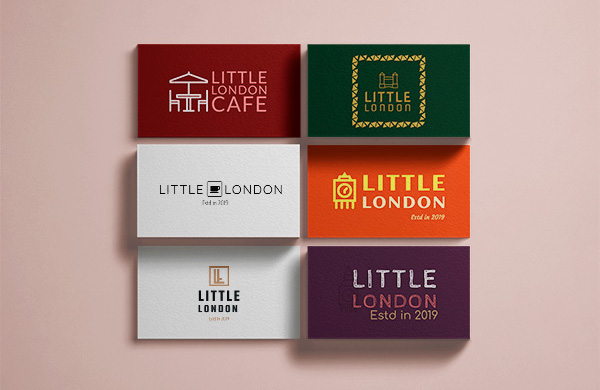
Customize text, color, shape, and icon. Scroll down on edit to see a preview of your logo on different merchandise.
3
View Plans
There is something for everyone. Whether you're a small scale business or a fully operational company.
4
Download
Download your logo and upgrade for unlimited downloads and revisions.
Free and Friendly Custom Logo Generator
Logomaker is the ultimate solution to all your logo needs.
Pay Only when you're happy
Pay only when you're happy with your final logo design. So be more creative and take more risks.
Your logo, within minutes
It's an easy to use, 3 STEP process, even if you don't have any design skills. We constantly update our logo maker with new designs.
Export options for various needs
We offer a variety of export options to fit your specific needs. Expect everything from print to digital.
FAQs
What do I get when I purchase a logo?
Everything that you get:
The logo you designed in the SVG format
4 variations in the SVG format
A full black logo
A full white logo
The logo you designed without any background
The logo designed with the background and font colors exchanged
A guide on how to use & edit SVG files
Social Media Kit - When you purchase a logo from us, we try to make sure that you have everything to start using your logo immediately.
Here is your logo in the PNG format, in all the sizes required by various social media sites.
Favicon Set - ICO and PNG files in various favicon sizes
Brand Guide - All the information on your logo you require to ensure that it is consistent in everywhere it is used
Why the SVG format?
We chose SVG as the format because:
It is the preferred file format for designers and professionals
The file sizes are small so it is easy for you to share & host
It scales to any size without losing quality
It looks great on retina displays
It can be edited further
Can I edit the logo after I purchase it?
Yes, once you download the logo you can open the SVG file in an editing tool such as Adobe Illustrator or Inkscape.
In those tools you can edit everything from the symbol, font, color etc.
Unfortunately, you cannot use our tool for editing the logo after purchase.
Is there a limit to the number of logos I can generate and edit?
You can generate, shortlist and edit as many logos as you like for free.
We want you to love your logo and only purchase it once you are absolutely sure so you can keep generating and creating logos until you are absolutely happy with it.
Is my logo package price a one-time or a recurring fee?
It’s a one time purchase. In fact, once purchased, you can always login to your account with us, and re-download the entire logo package as and when needed.